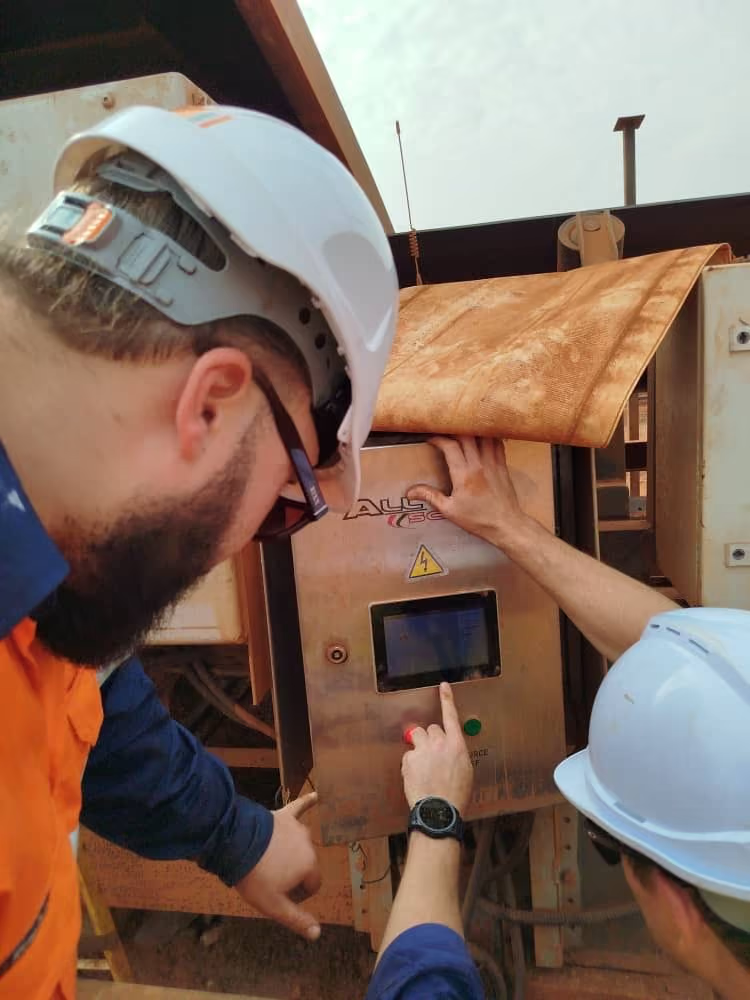
How RTI minimises downtime with guided troubleshooting
How RTI minimises downtime with guided troubleshooting
MINING ANALYSIS SOLUTIONS • 60+ SITES
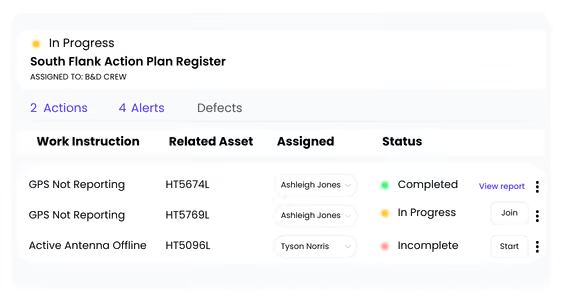
Operators resolve issues in minutes, not hours
“If a fault occurs or a system needs recalibration, operators can open the app and follow clear, step-by-step instructions. In many cases, the system is back online in minutes - without waiting for a specialist to come on site.”
Clear answers to common questions about troubleshooting and resolving issues with HINDSITE.
How can HINDSITE help diagnose and resolve issues remotely?
+
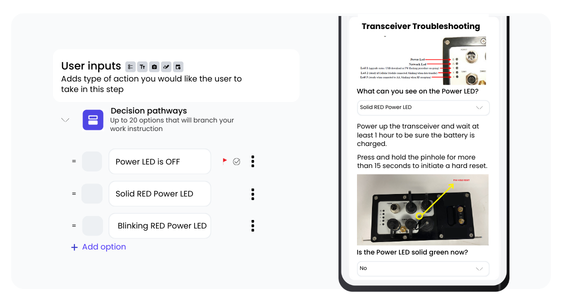
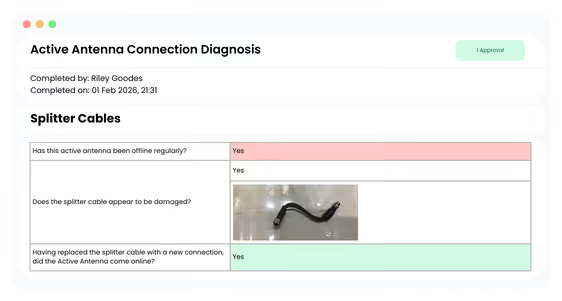
HINDSITE lets teams create guided work instructions that walk users through what to check and how to resolve issues, step by step. Instructions can include photos, diagrams, and reference information, while captured evidence is fed back into the platform to verify issues and confirm resolution.
Can HINDSITE handle complex troubleshooting processes?
+
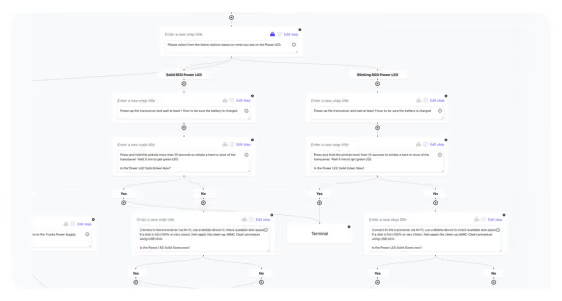
Yes. HINDSITE’s work instruction builder supports even the most complex troubleshooting workflows. With branching pathways, instructions can adapt based on user inputs, showing only the steps and information that are relevant to the issue being diagnosed.
Can my customers or contractors access troubleshooting guidance?
+
Yes. Access can be shared with customers or contractors so that they can access information and complete steps that are relevant to their role.
How does HINDSITE reduce delays caused by back-and-forth communication?
+
HINDSITE presents clear, guided steps so users know exactly what to check, while capturing photos, notes, and results in a structured way. This ensures teams get the right information first time, reducing follow-ups and speeding up resolution.
Explore More
Reliable outcomes at every step of your operations
Reliable outcomes at every step of your operations
See how HINDSITE supports all types of hands-on work.
🔧
Assembly & Manufacturing
Guide and record assembly work step by step, ensuring consistent builds and a traceable record for every unit.

.avif)